
113308 and 113309 (Guardian Dragon Wings) in Bricklink Studio
 2026-06-21, 17:20
(This post was last modified: 2026-06-21, 19:54 by Hylian Waffle.
Edit Reason: Changed images
)
2026-06-21, 17:20
(This post was last modified: 2026-06-21, 19:54 by Hylian Waffle.
Edit Reason: Changed images
)
2026-06-21, 17:20
(This post was last modified: 2026-06-21, 19:54 by Hylian Waffle.
Edit Reason: Changed images
)
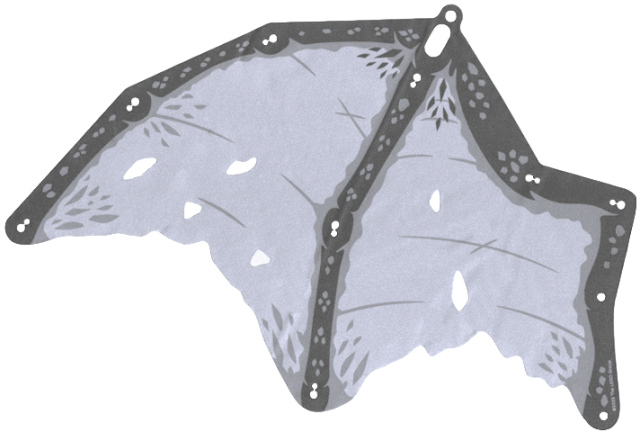
Hi! I'm working on a moc of a Dragon I want to submit to lego ideas, and since they don't allow custom parts, I'm using 113308 and 113309 for its wings. However, while I have the image files, I have no clue how to actually put them into bricklink studio.
This is something I'm normally fine with doing myself, but despite my searching, I haven't been able to figure out how to do it in blender. I know what I need to do: either import the image without the white background and add depth to the image, or make a basic mesh that's roughly the same shape, then impose the texture onto it, but I don't actually know how to do either of these in blender. I could do the latter in Solidworks, but I don't have access to it right now.
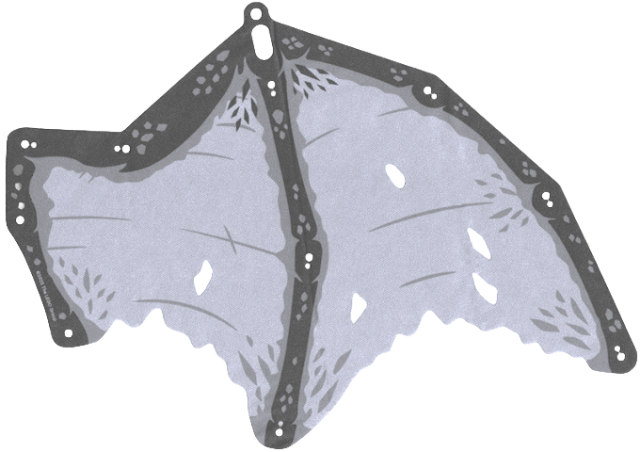
Since the dragon I'm trying to make is white, I'd have to figure out how to import the part in black and white somehow, so I'd probably have to make my own model anyway.
If anyone at least knows any guides that could help me do this, I would be very grateful!
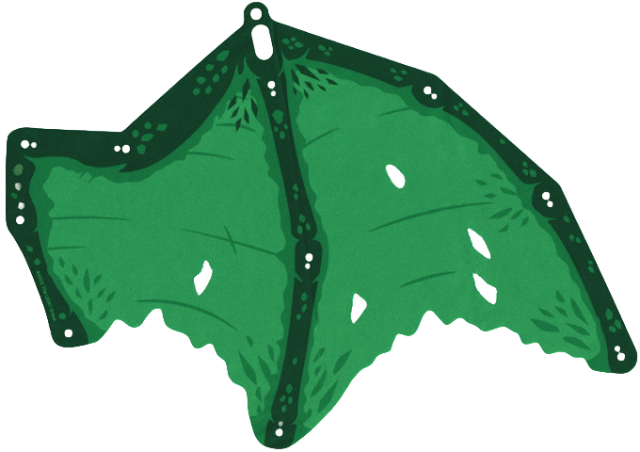
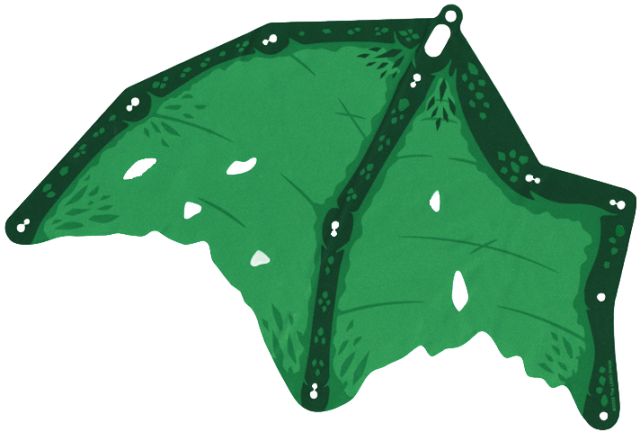
I have pngs of them with no background here:
This is something I'm normally fine with doing myself, but despite my searching, I haven't been able to figure out how to do it in blender. I know what I need to do: either import the image without the white background and add depth to the image, or make a basic mesh that's roughly the same shape, then impose the texture onto it, but I don't actually know how to do either of these in blender. I could do the latter in Solidworks, but I don't have access to it right now.
Since the dragon I'm trying to make is white, I'd have to figure out how to import the part in black and white somehow, so I'd probably have to make my own model anyway.
If anyone at least knows any guides that could help me do this, I would be very grateful!
I have pngs of them with no background here: